
In one window, in the backend/administration area of Wordpress, access the bookings for a particular workshop (Events > Events –> click on the “Bookings” link to the right of a given workshop).

Scroll down to the list of booked participants. You should see a column for “Name” and one for “Email.” You will copy/paste these in the next step.
Please be sure to send the roster to the instructors leading the workshop.
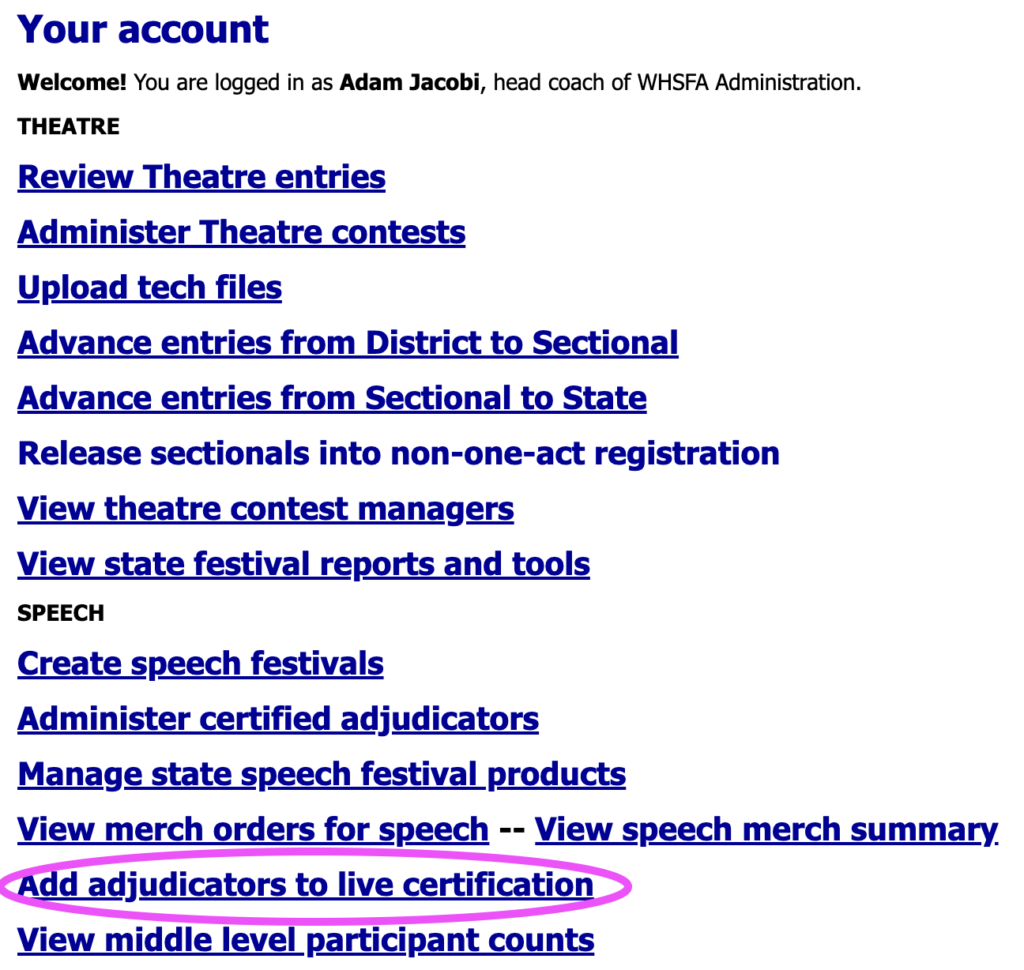
Log into SpeechWire, and on the Your account page, select Add adjudicators to live certification.
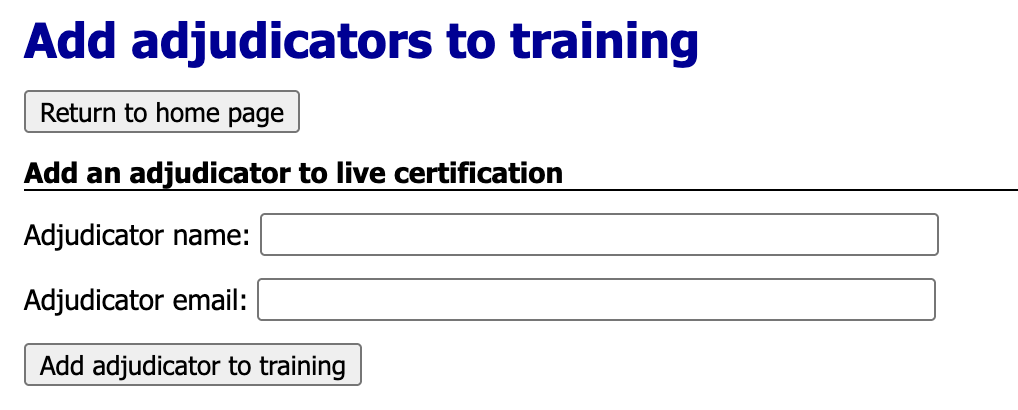
Copy/paste their name and email and click [Add adjudicator to training].
Upon adding a participant, you will see this green success message (at which point, you can add the next participant):



